A cleaner page
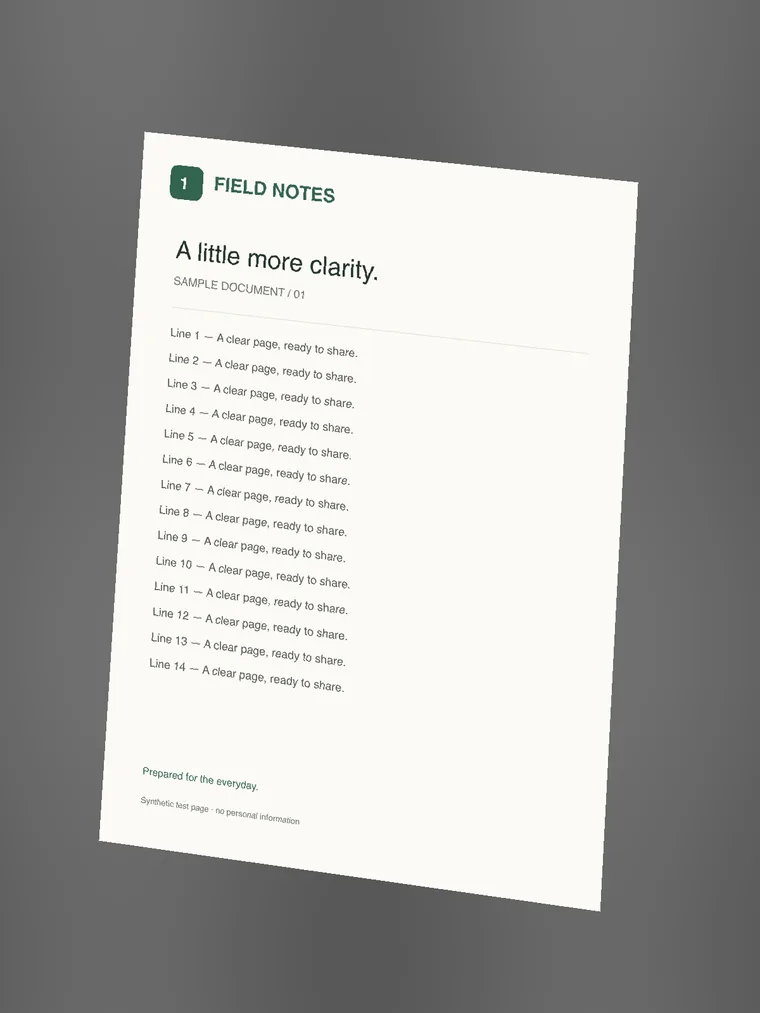
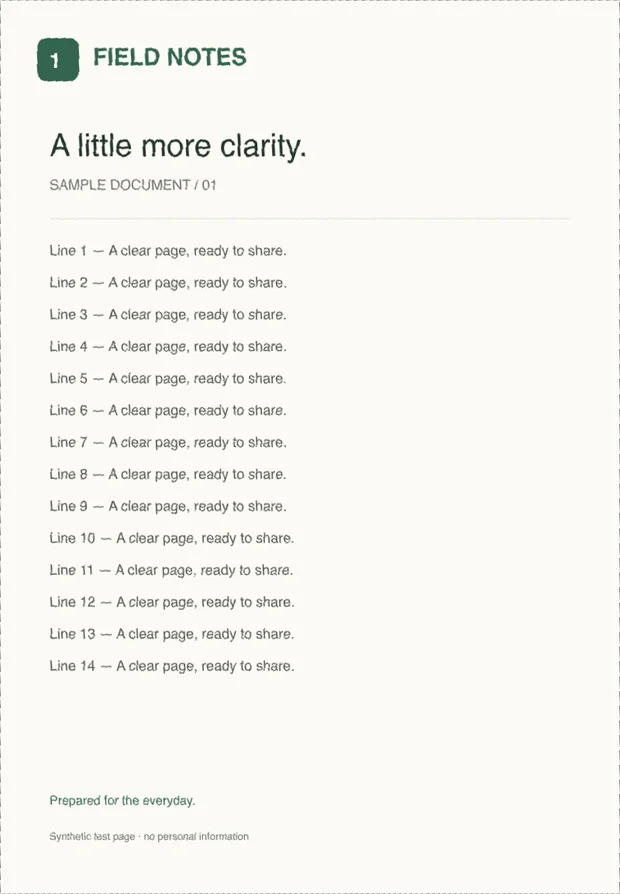
Adjust all four corners to correct perspective. Keep the original, or try color, grayscale, and black-and-white.
A LITTLE LESS PAPERWORK
Take a photo. Adjust the corners. Download a clear, ready-to-send PDF. All in your browser.
Preview: up to 3 pages per PDF. No account needed.
Choose a document photo or take one with your phone.
Check the four corners to crop and straighten your page.
Download your pages together in one easy-to-share file.
Your photos are processed on your device.
How it works
Choose photos from your computer or take new ones with your phone.
Check the corners, straighten the page, and choose the look that reads best.
Put the pages in order. Pick a quality, check the size, and download.
SCANDOCUMENT
The form to send. The notes to share. The paperwork to finish.
Adjust all four corners to correct perspective. Keep the original, or try color, grayscale, and black-and-white.
Choose Balanced, Smaller file, or Higher quality. Set a size target and see the actual PDF size before downloading.
Connect your phone to your computer with a QR code. Approve the connection and send pages into the same document.
Guides
Practical tips for a better first scan.
01 / Guides
02 / Guides
Start scanning, then take a photo or choose an existing document image. Check the crop, arrange any extra pages, and select Save PDF. Generate the file to check its size and download it. The current preview allows up to 3 pages per PDF without an account.
No. Open the scanner in a recent browser and choose your photos. After the scanner reports “Ready offline”, you can reopen it and process documents without a connection.
Yes. The current preview allows up to 3 pages per PDF. Add pages, change their order, and rotate them before exporting. See Plans for available paid access.
Single-device editing and PDF generation happen locally. If you choose phone-to-computer transfer, encrypted photos pass through our relay; document files are not stored on the server.
No scanner can reliably recover missing detail. Use good light, hold the camera steady, and check the final PDF. Text is an image in the PDF; OCR and searchable text are not included.
Your next clean PDF is a few photos away.
Start scanningPreview: up to 3 pages per PDF. No account needed.